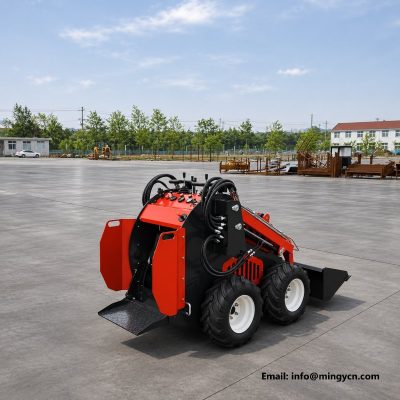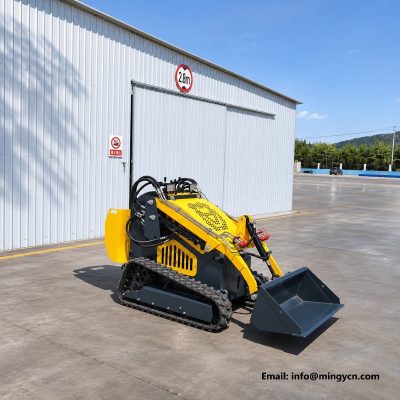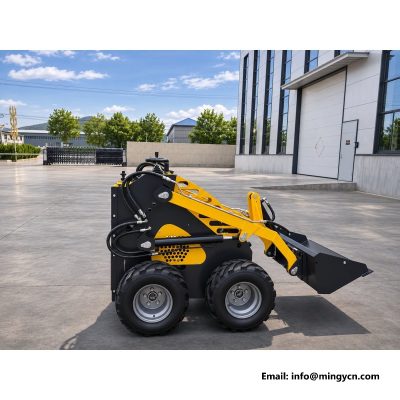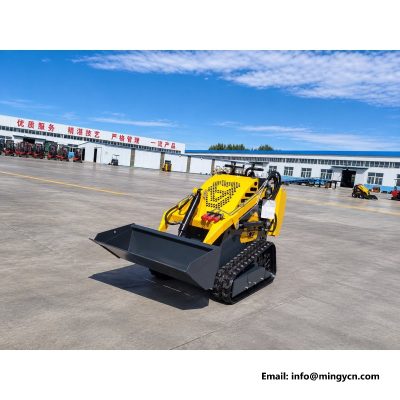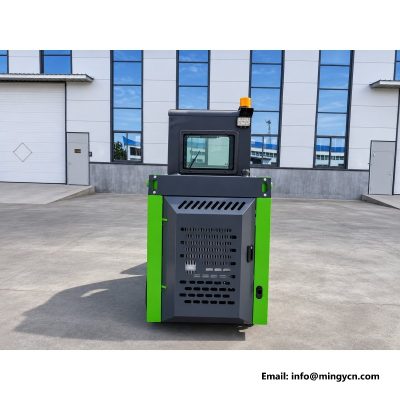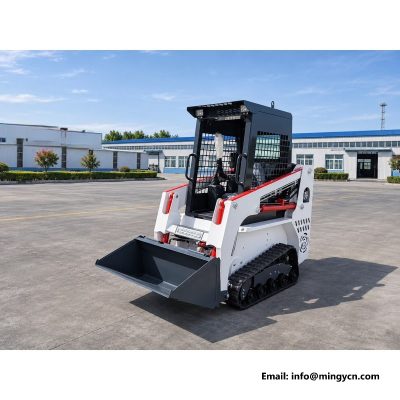
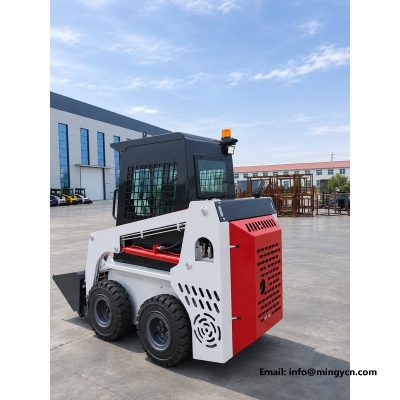
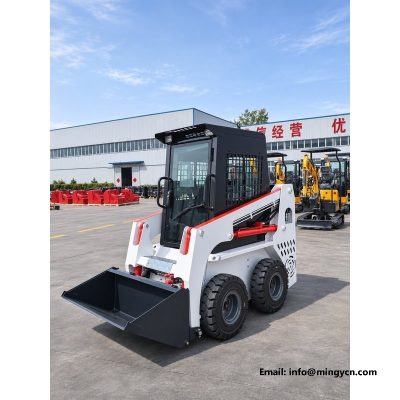
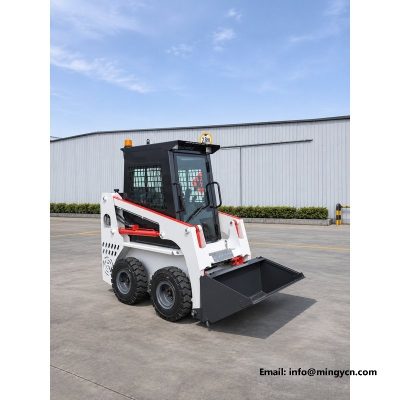
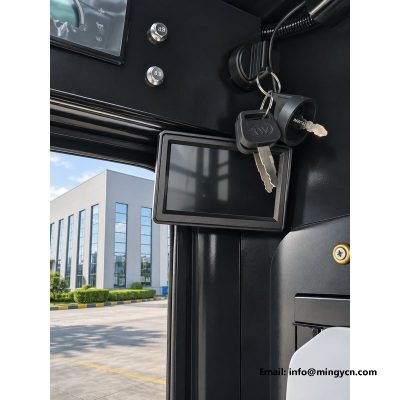
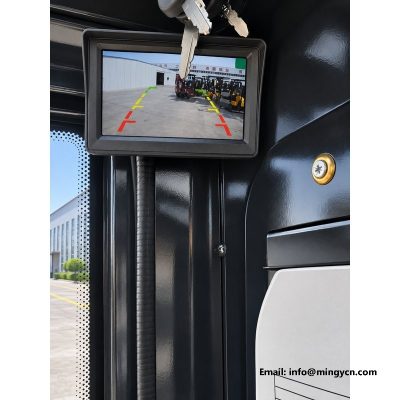
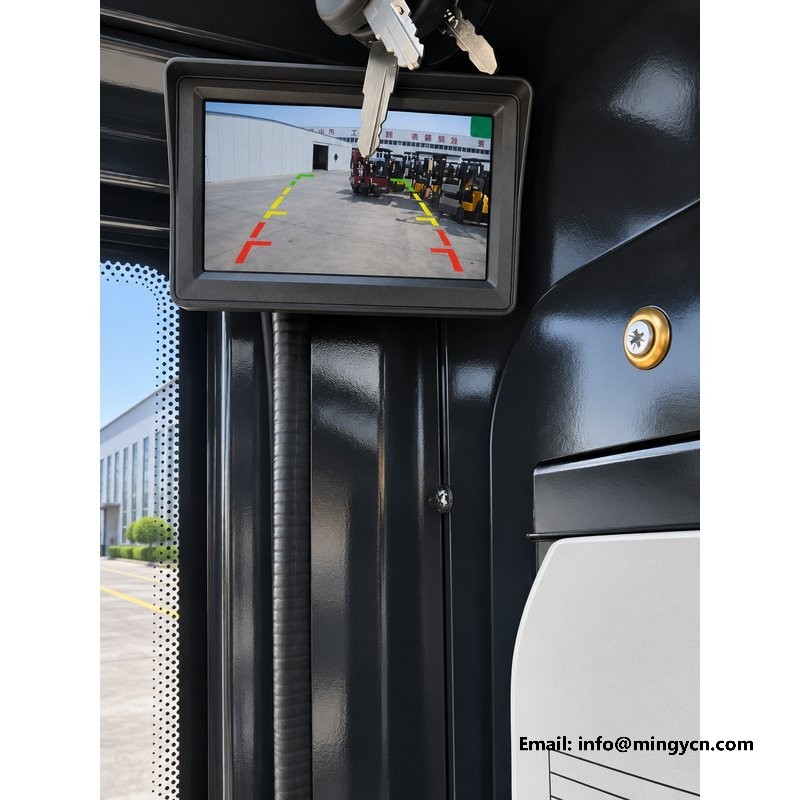
MY25 skid steer loader with an enclosed cab, reversing camera and cab monitor.
Skid steer loaders are usually bought for the work, not the cab, and that is exactly why the cab deserves a careful look. The MY25 in these photographs is a tracked machine in white and red, fitted with an enclosed operator station and a reversing camera, and the six images cover it from four angles outside and twice from the seat. What follows is a buyer's walk through the parts that decide whether the machine suits a dusty yard, a cold morning or a tight loading bay: the cab seal, the screen and its controls, the camera wiring, the beacon, and the hydraulic package underneath. No performance figures are claimed that the specification sheet does not carry.
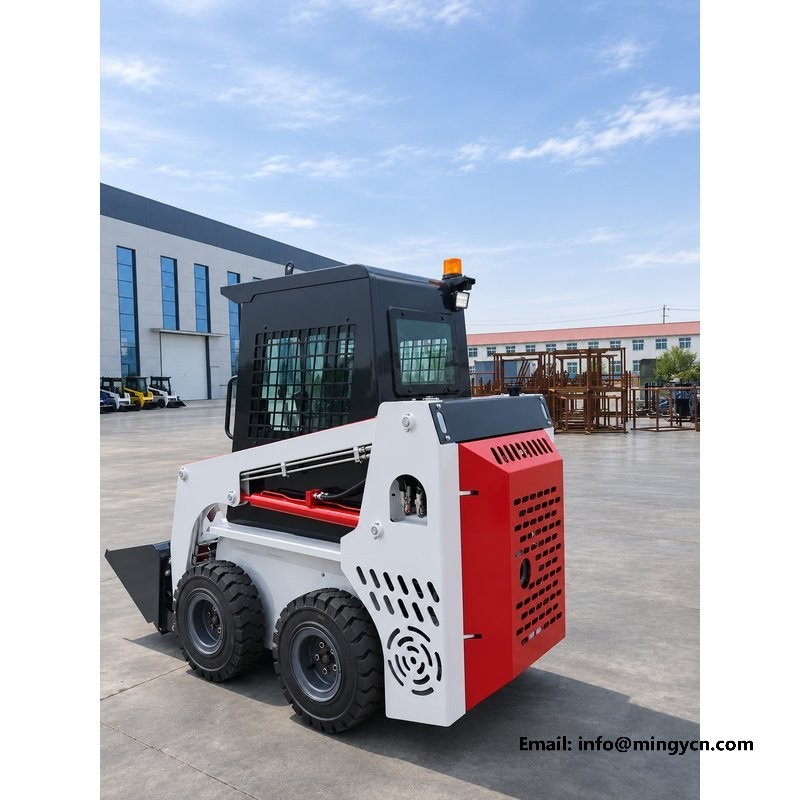
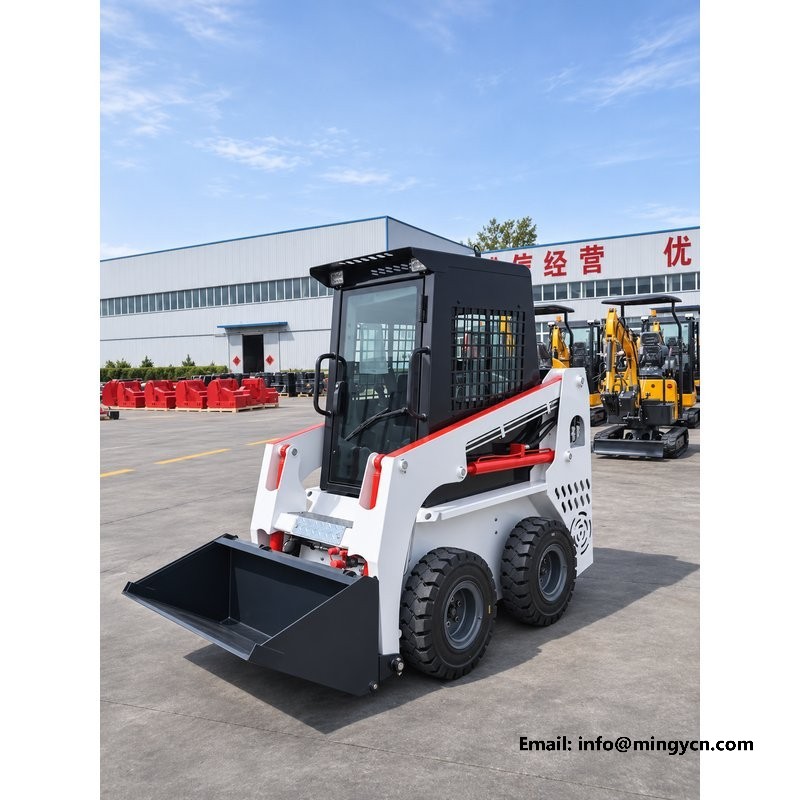
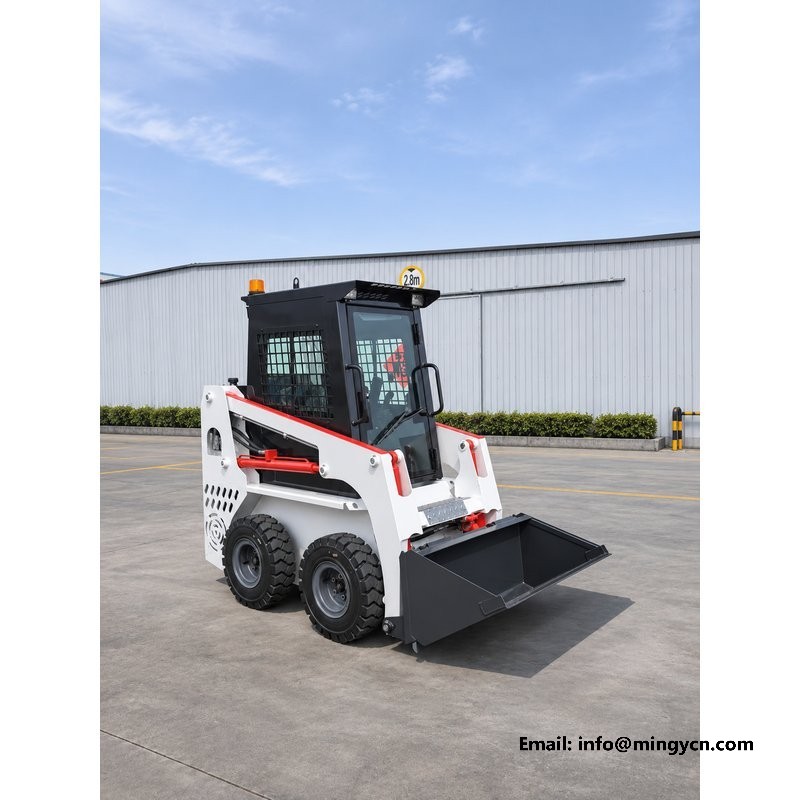
The machine in these photographs is a white and red tracked skid steer with a fully enclosed cab, shot on a yard apron from four angles and twice from the operator's seat. The paint is clean, the glass is clear and the tracks are new, which is what a buyer expects from a machine prepared for photographs, but the useful information sits elsewhere: in the door seal, the wiper arm, the mirror bracket and the way the cab shell meets the chassis. An enclosed cab on a skid steer is not a luxury trim level. It is the difference between an operator who can work a full day in a dusty yard and one who climbs out every hour to clear his eyes and ears. That difference shows up in output long before it shows up in comfort.
A skid steer works with its bucket a short distance from the operator's face, so it lives in the dust it makes. Sweeping, loading, grading and mixing all put fine material into the air, and an open station puts the operator directly into it. A sealed cab with a rubber door gasket and a close-fitting glass frame changes that exposure rather than eliminating it, and the effect is obvious at the end of a shift: less grit on the skin, less coughing, clearer vision through the glass. Noise behaves the same way. The engine sits close behind the operator, and a closed shell takes the edge off the constant note without pretending to silence it. In winter the cab keeps wind and rain off, and the glass will fog when a wet operator climbs in, so a dry cloth and an open vent earn their place.
| Model | MY25 |
| Hydraulic system | Open-circuit piston pump, load-sensing |
| Control | Pilot joystick operation |
| Drive | Four wheel-motor travel drive |
| Quick coupler | Standard quick-attach coupler |
| Engine | Runtong R999 (standard) |
A skid steer spends a large part of its working life travelling backwards. The bucket is in front, the operator faces forward, and every trip away from the pile is made in reverse, often with a load and often in a yard with walls, pallets or parked vehicles behind. The rear of the machine is also its blindest quarter, because the engine cover and the lift arms block the view over the shoulder. A reversing camera does not make that quarter safe on its own, but it puts a live picture of it in front of the operator at the moment he needs it. On a machine usually run by one person with no banksman, that single change removes the most common reason for a slow, hesitant cycle: not knowing what is behind you.
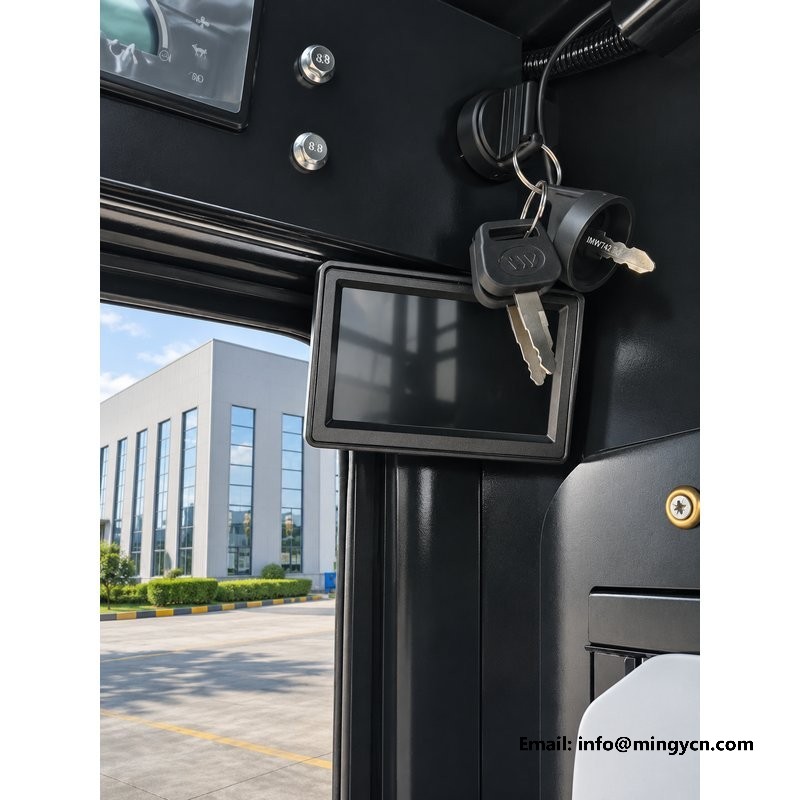
Two of the photographs on this page were taken from the seat, and they show what the operator actually sees: the rear view on the display, the switch panel beneath it and the amber beacon glowing at the top of the frame. That combination is what makes close work possible. When the machine is backing along a wall to keep the bucket line straight, the operator is judging a gap of a few centimetres that he cannot see from the seat. When it is reversing toward a truck bed or a trailer ramp, he is judging the distance to an edge that sits below the engine cover. The screen turns both jobs from guesswork into a glance. It does not replace the mirrors or a walk-round before moving, and it should not be treated as though it does.
The panel under the screen carries the camera controls and a small set of switches, and the photographs show them clearly enough to judge the layout. What matters in use is not how many buttons there are but whether they can be found without looking away from the work for long. A row of switches along the lower edge, spaced apart and raised above the panel face, can be worked with a gloved hand by feel alone. Brightness is the other practical control, and it earns its place at both ends of the day. At midday, with sun on the glass, a screen at full brightness is the only readable setting; at dusk the same setting glares and washes out the picture. Being able to dim it decides whether the camera is used or ignored.
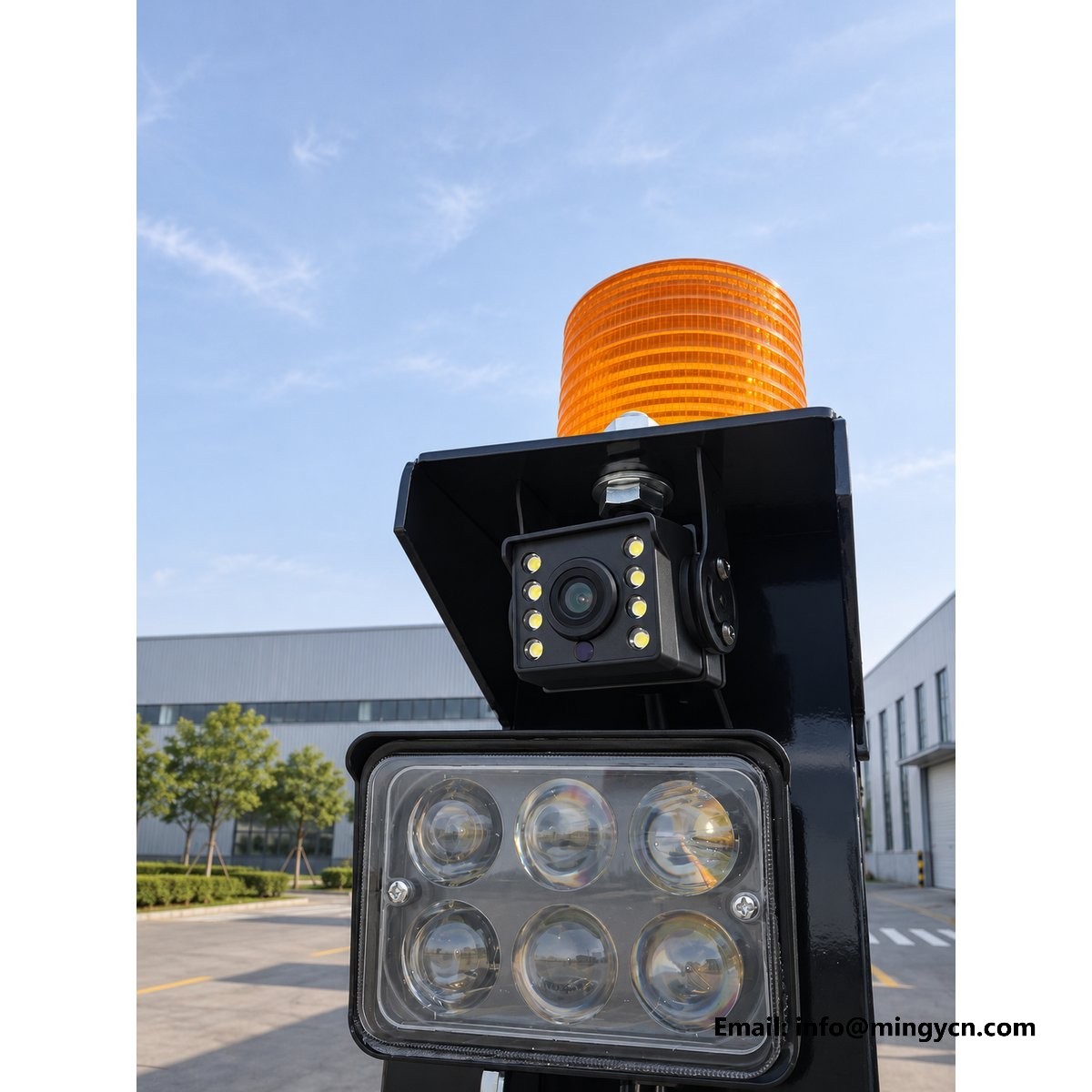
A cab screen lives in a hard environment: dust on the glass, condensation in the morning, rain on the outside of the windscreen and a washdown hose at the end of the week. The display housing is a sealed unit with a gasket behind the front frame, which is the arrangement that keeps dust out of the electronics but does nothing for the surface the operator looks at. That surface wants a soft damp cloth, not a dry rag that drags grit across it, and certainly not a pressure washer held close. Cleaning fluids with solvent in them will cloud the anti-glare finish over a season. The same rule applies to the camera at the rear: rinse it from a distance, check the lens is clear, and make sure water is not standing in the connector behind it.
The camera is only as good as the cable that carries its picture. On a skid steer that cable runs from the rear of the machine, past the engine bay and the lift arm pivot, into the cab. Every one of those points moves, vibrates or gets hot, and each is a place where a loom can rub through or a connector can work loose. At handover, trace the route by hand rather than by eye. Look for a grommet where the loom passes through sheet metal, a loom clipped at regular intervals instead of hanging free, and a connector that is sealed and tucked where it will not collect water. Then sit in the seat, start the engine and watch the picture while the lift arms are raised and lowered. A flicker or a roll in the image is a wiring fault, not a camera fault.
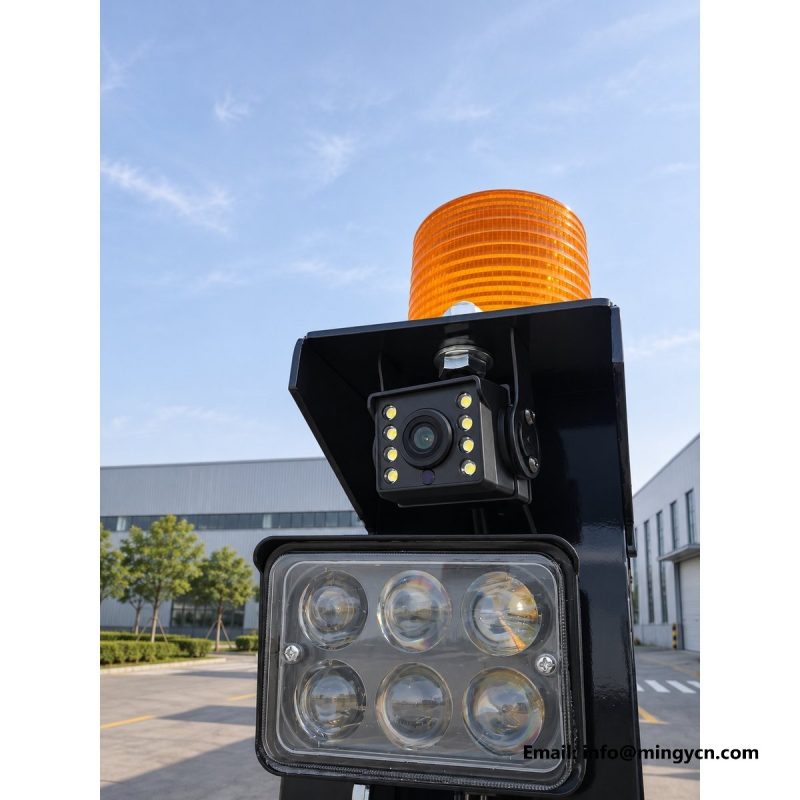
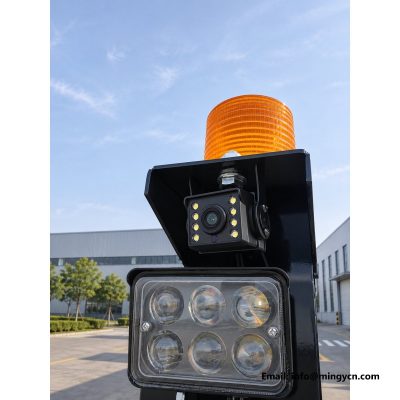
Two lights matter on this machine and they do different jobs. The first is inside the cab, a small lamp that lets an operator find the controls, read a gauge or check a load sheet at the start of a dark shift without holding a torch in his teeth. The second is the amber beacon on the cab roof, visible in the seat photographs as a warm yellow glow against the glass. On a site with pedestrians, that beacon is not decoration: it tells a man on foot that a machine is running and may move without warning. Both lights are simple to check and easy to neglect. At handover, switch each one on, walk around the machine and confirm the beacon is visible from every side, and satisfy yourself that the interior lamp does not reflect in the windscreen after dark.
The specification of this machine is deliberately conventional in the parts that matter. An open-circuit piston pump with load sensing supplies the work equipment, pilot joysticks control the valves, and travel is driven by four wheel motors. Load sensing means the pump reads the pressure the circuit needs and delivers flow to match, rather than pushing its maximum against a relief valve all day. The practical result is less heat in the oil and a finer feel at the lever when the bucket is feathered against a kerb. Pilot control removes the mechanical linkage between joystick and valve, so the lever stroke is short and consistent. The four-motor arrangement gives each corner drive of its own, which is what allows the machine to turn on the spot and to keep pushing when one side loses grip.
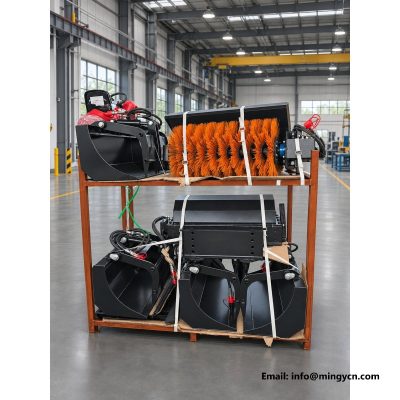
The quick-attach coupler is standard on this machine, and it is the feature that decides how much work the loader can be sold into. A skid steer earns its keep by changing tools: a bucket for aggregate, forks for pallets, a grapple for brush, a sweeper for yard cleaning. The coupler lets one operator change between them in minutes, from the seat on some designs or with two levers at the front on others. Two details are worth checking before ordering. The first is the latch, which should lock positively with a visible indicator and release only when the attachment is flat on the ground. The second is the attachment interface itself, which has to match whatever the buyer already owns. If hydraulic attachments are planned, the auxiliary circuit should be specified at the same time.
The last part of this page is the part a buyer should print and take to the handover. Start outside: walk the machine, confirm the door closes against its seal without lifting, check the glass for chips at the edges, and look at the wiper blade for hardening. Switch on the beacon and the work lights and walk a full circle. Inside, start the engine, let it idle, and press every switch on the panel once to confirm it does what the label says. Watch the rear view while someone walks behind the machine, then dim the screen and check the picture is still usable. Trace the camera loom by hand, raise and lower the arms, and listen for a change in pump note at full stroke. Then drive it loaded before you sign.
No. It shows the area directly behind the machine, which is the blindest quarter, but a screen has a narrow field of view and gives no depth judgement of its own. Use it to confirm what a walk-round has already told you, keep the mirrors adjusted, and keep a banksman for blind reverses into traffic or across a footpath. Many sites require one by rule regardless of what the camera shows.
Run the same test you ran at handover. Start the engine, raise the arms and watch the picture for flicker or roll while the loom flexes. Wipe the lens, check the connector behind the camera for water, and look along the harness for rub marks where it passes the engine bay. A picture that dims or drops when the machine is warm usually points to a connector rather than a failed camera.
Ordering and technical support
Email: sales@mingycn.com
LINE (ID): mingyicn
Tell us your working width, ground conditions and the attachment you need, and we will confirm the right configuration and shipping details.